Every tool a deck contractor needs
Design it, price it, show it, sell it, and schedule it — without leaving one app. Here is what each section of Outdoor Deck & Design does and why it matters on a real job.
Draw the deck. The app does the math.
The Deck Studio is the heart of the app. Tap out the shape of the deck, type exact edge lengths, mark the house wall, and add corners or stairs. As you draw, the framing, post count, joist layout, square footage and perimeter all calculate live.
- Three modes — Basic for quick rectangles, Advanced for full control, and Graph for drawing custom shapes edge by edge
- Four views — switch between 3D, Top, Front and Side at any time
- Show framing — hide the decking to see joists, beams and posts underneath
- Live totals — deck area, perimeter, levels, joist and post counts update as you draw
- Multi-level decks — close one level and start the next for stepped or tiered designs
- Save & reuse — save designs to the job and pick up where you left off
A ballpark number before you leave the driveway.
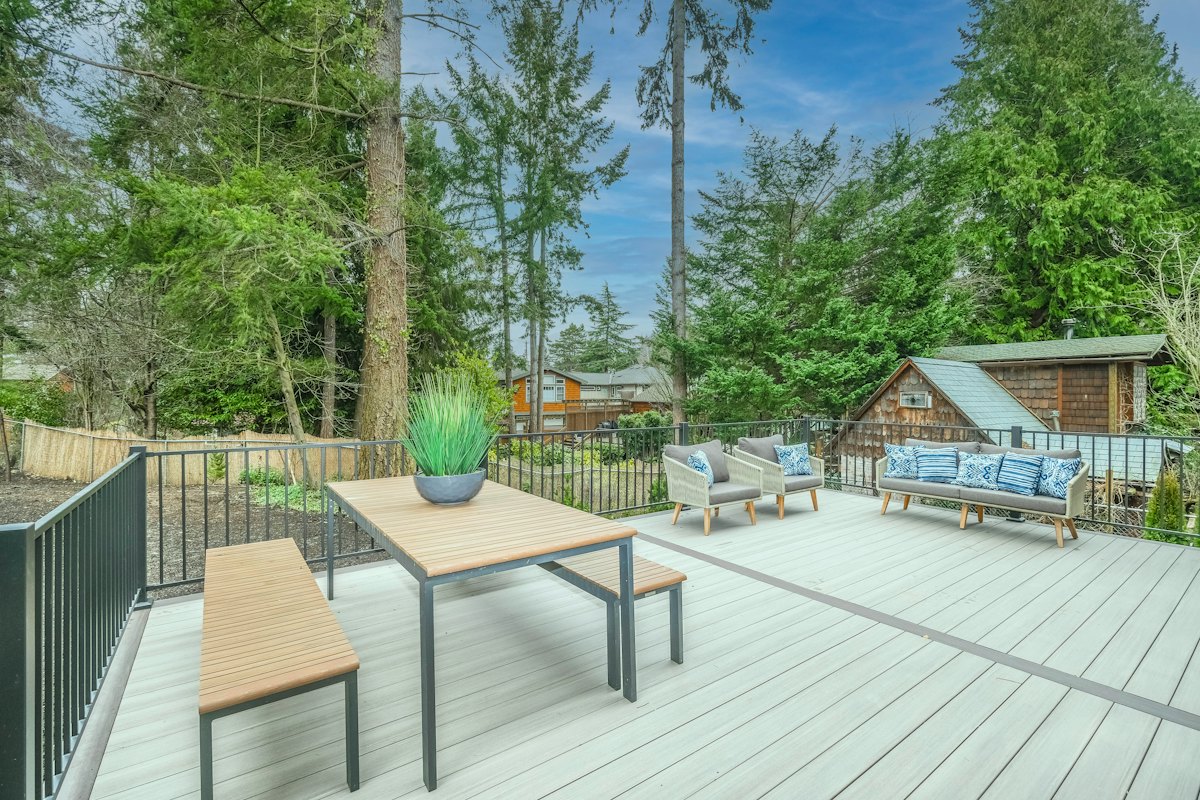
Not every lead needs a full blueprint on the first visit. Quick Quote gets you a realistic price range from a few inputs so you can qualify the customer on the spot — and stop wasting evenings on tire-kickers.
- Enter size, height, material and railing type to get an instant range
- Default material prices you can edit to match your local lumber yard
- Labor, overhead and profit margin built in — and all adjustable
- Convert a Quick Quote into a full Deck Studio design with one tap
Let the homeowner walk their deck before you build it.
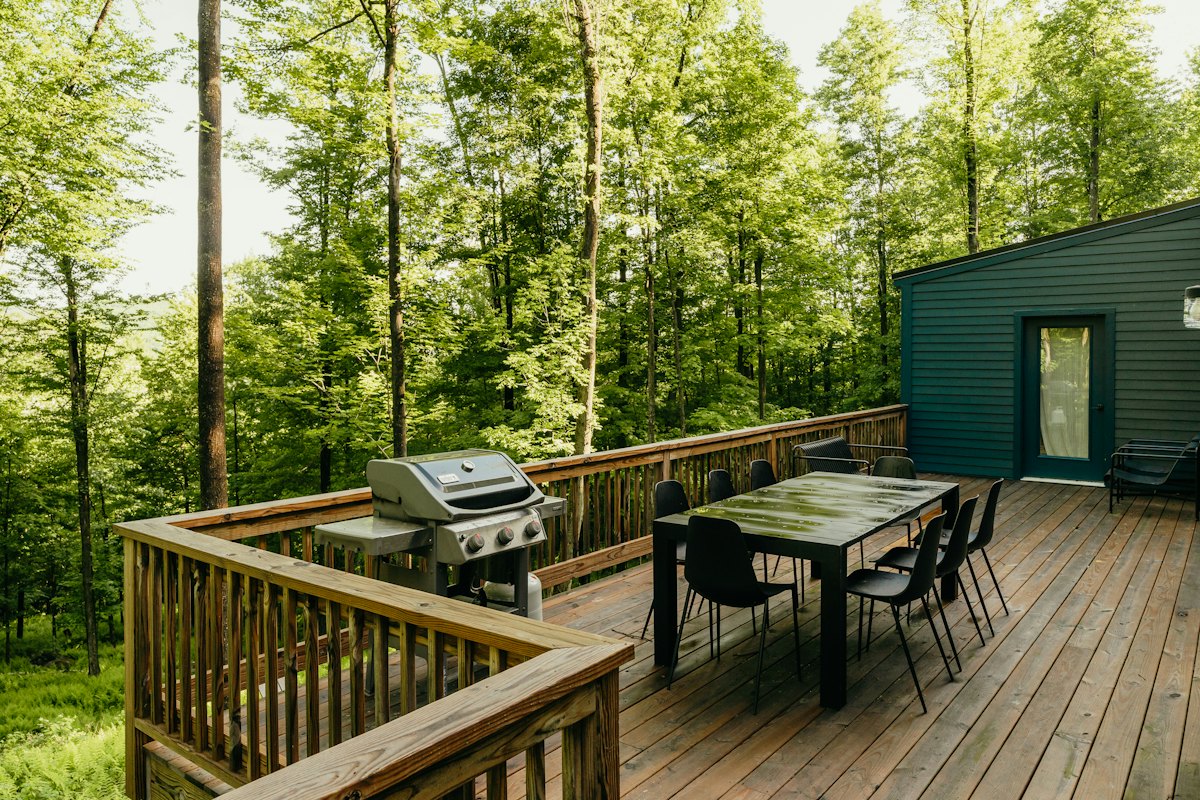
Homeowners buy what they can see. The 3D Walkthrough turns your design into an interactive model they can turn, zoom and walk around — right on your phone or tablet at the kitchen table.
- Drag to rotate, pinch to zoom, two fingers to move
- Swap decking colors, railing styles and add-ons live while the customer watches
- Catch design problems before they become change orders
- Builds confidence — and gets the signature faster
Presentation-ready images for every design.
Capture clean renders of the finished deck to drop into proposals, text to the customer, or post to social media. Every render comes straight from the design, so what they see is what you quoted.
- One-tap snapshot from any 3D view
- Download images to share with the client or your crew
- Use renders in your branded proposal and marketing
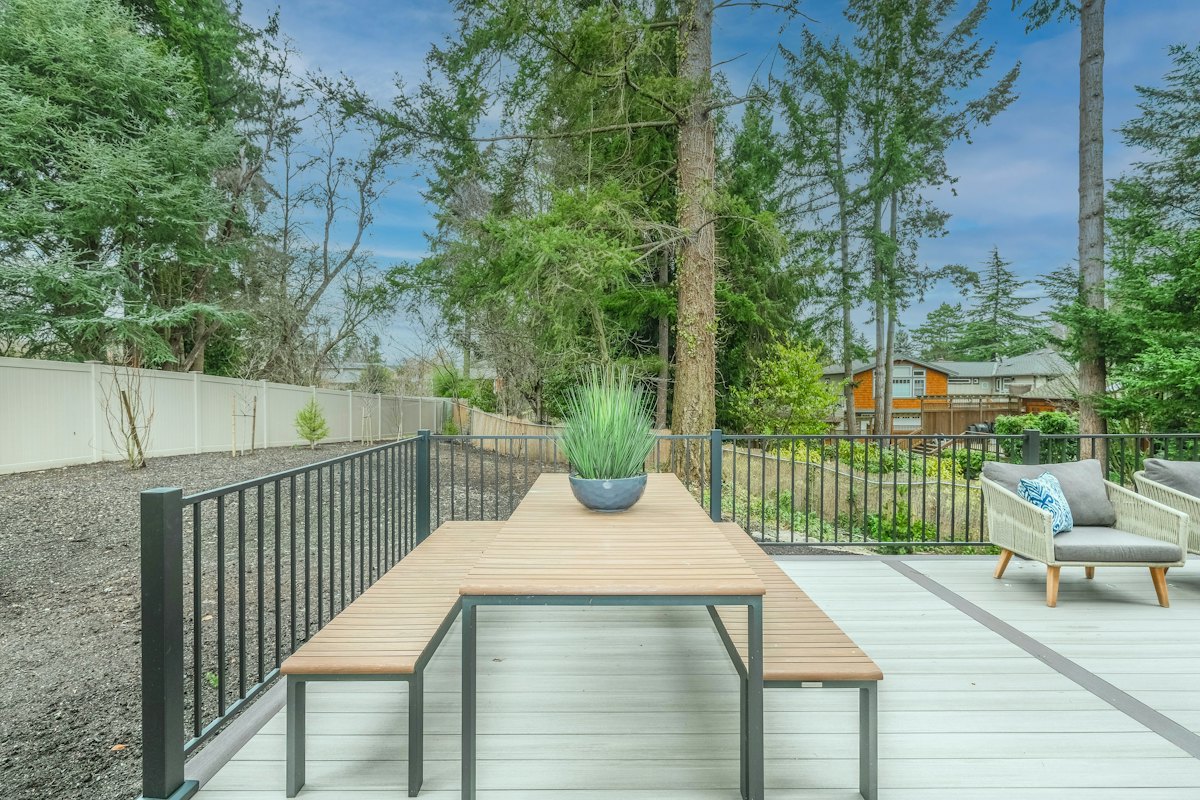
Stair math, handled.
Stairs are where time and lumber get wasted. Enter the total rise and the Stair Stringer calculator works out step count, riser height, tread depth and stringer layout — so you cut it right the first time.
- Riser and tread dimensions calculated from total rise
- Stringer length and layout for cutting
- Stair count and materials feed straight into your quote
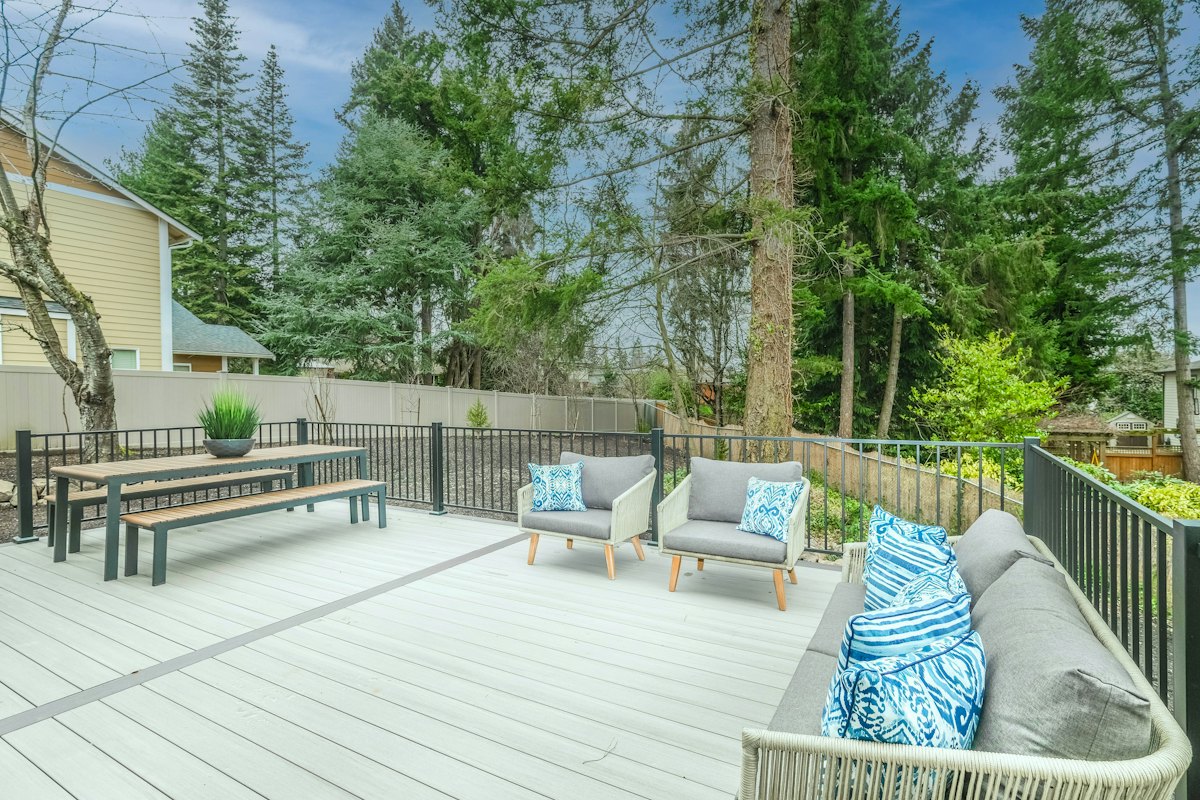
Hand them a quote that looks like you mean business.
When the design is done, Outdoor Deck & Design builds a branded proposal with your company details, the full material list, and a clear price. Print it, save it as a file, or send it — and close the job while you are still on site.
- Your logo and company info on every quote
- Complete material takeoff with quantities
- Clear line items: materials, labor, overhead and margin
- Print-ready — hand it over before you leave
Run the whole business from the same login
Once the quote is signed, the job moves into the business side of the app — so your office lives in your pocket, not in a pile of notebooks.
Jobs
Every design, quote and customer organized by job. See what is pending, sold and in progress at a glance.
Schedule
Put sold jobs on the calendar and keep your crew and customers on the same page.
Business
Track your numbers — quotes sent, jobs won, and revenue — to see where the money is coming from.
Crew
Add your crew so the right people see the right jobs, with the Enterprise plan built for bigger teams.
See it for yourself
Open the Deck Studio and draw your first deck. It is free while we are in beta.